

 1-click FargoRate™ Results Submission1.1M + Matches Submitted (2.4M + games)
Addicts of this fascinating game are always on the lookout for friendly competition and opportunities to meet other fans. IngenPool is designed to help make these sought-after events happen more often, creating exciting competition at your local halls.
There's a lot at stake during an event. Don't depend on an internet connection. Get the best of both worlds: a powerful, feature-packed, and secure standalone app, combined with the benefits of full web connectivity for publishing graphical brackets and results, sending text messages to players, and much more.
IngenPool is designed for the real world, where late registrations, last-minute changes, results updates, and schedule modifications are all part of the excitement and can be managed with ease.
The best way to experiment with all the features is to download and install the software, and use the built-in tourney simulator along with the 5 free unrestricted Tournament credits. Our Tutorials and FAQ sections are also a great source of information. Do not hesitate to contact us if you have any questions.
Using the latest tutorial technology, you will quickly gain the knowledge needed to produce and manage professional-caliber events with ease. Discover the many billiard-specific built-in features and maximize your time and efficiency by focusing on key aspects through practical, real-world examples. It certainly beats spending hours reading monotonous help topics!
From traditional brackets to specialty structures, including the popular and entertaining CHIP format, available in two bracket-flow variations. All formats are fully automated and supported by numerous reports, greatly simplifying tournament setup, management, and administration. A buy-back option is also available for Double Elimination, Mixed K-O, Modified (EURO), and CHIP formats. Be sure to visit our tutorial video section for detailed information on each format.


Set up a tournament in 10 simple steps from a single screen. Answer all questions, then click the lock in Step 10 and IngenPool will advise you if any information is missing. Any existing tournament can be used as a template for recurring events. Your default payout percentage distribution is automatically loaded and can be fine-tuned for each tournament. Watch the prizes for each final position increase as the tournament roster grows.
Once a player or team is recorded, registering them for a tournament is only one right-click away. The database can store an unlimited number of detailed records and features built-in text messaging capabilities.

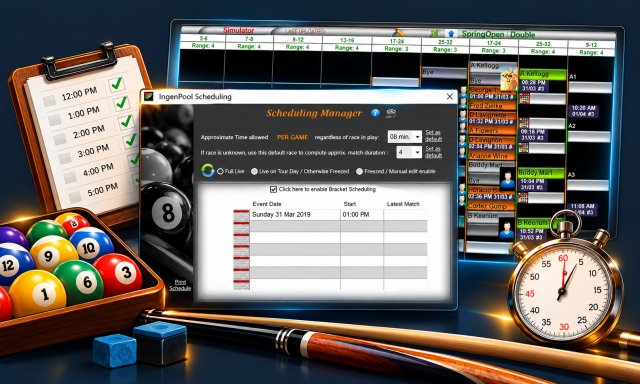
The scheduling algorithm can span up to seven days and is based on the number of available tables, the races and handicaps in use, and the estimated duration of a single game. Various scheduling options are available to accommodate most tournament formats and requirements. In Live mode, the schedule is continuously recalculated as the tournament progresses. In Freeze mode, the schedule is generated once and remains unchanged. The recommended IngenPool setting is "Live on Tournament Day, Otherwise Freeze", which provides dynamic scheduling while preventing players from being moved between tournament days.
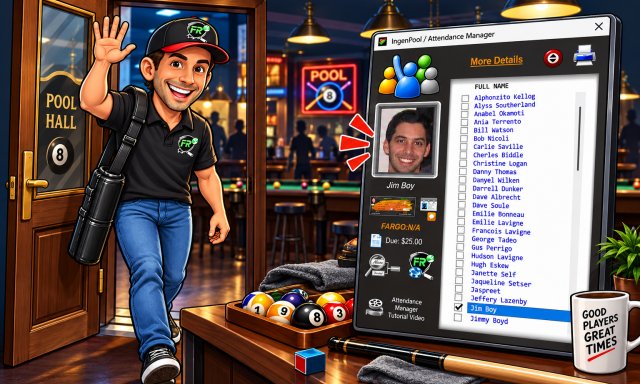
The new Attendance Manager is your trusted sidekick when it's time to get an event underway. It remains visible yet unobtrusive on screen, serving as a dedicated assistant to register arrivals, update player records when needed, verify whether a player's first opponent has arrived, collect event fees, send text messages to late players, and more. Watch our Video "Attendance Manager" for a quick tour.
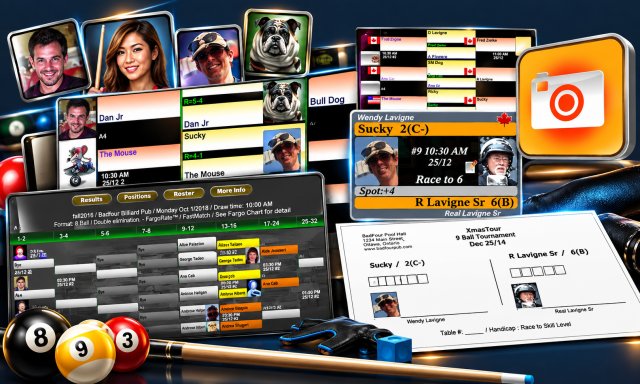
Adding player photos or avatars to your database enhances the professional appearance of your events and allows players and spectators to easily identify participants throughout every stage of the tournament. It's also a great way for players to showcase their personality and team colors. This feature is often a source of entertainment in its own right, creating additional excitement and engagement among players and spectators alike. For international events, IngenPool can display country flags instead of player photos. Player photos are displayed on the bracket, in the Dispatch Window, on printed scorecards, and online.
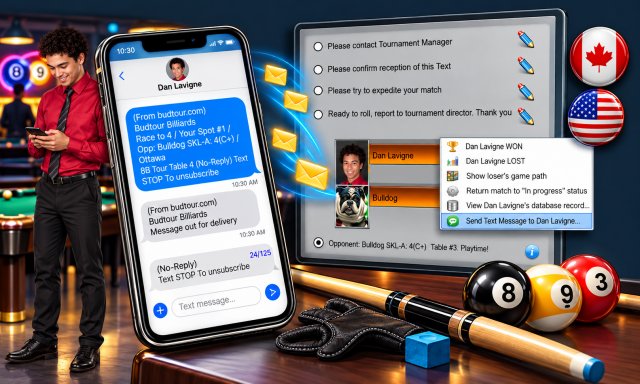
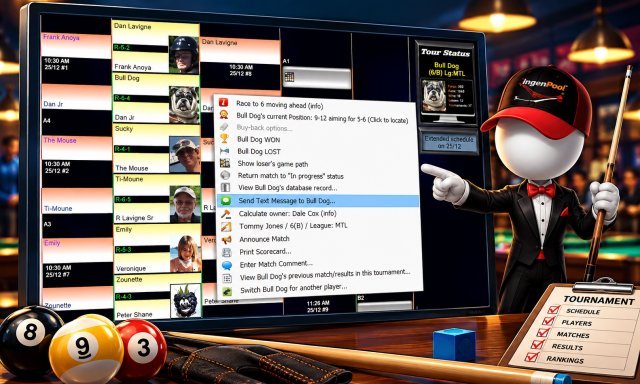
Easily reach your players directly from the main bracket's right-click management menu. A variety of preformatted messages are available, including the table number, opponent's name, and skill level, so in most cases there is no need to type anything. This professional approach to player dispatching provides both efficiency and peace of mind. An optional low-cost Auto-Text feature is available on a pay-per-use basis. Watch the Auto-Text video for more details.
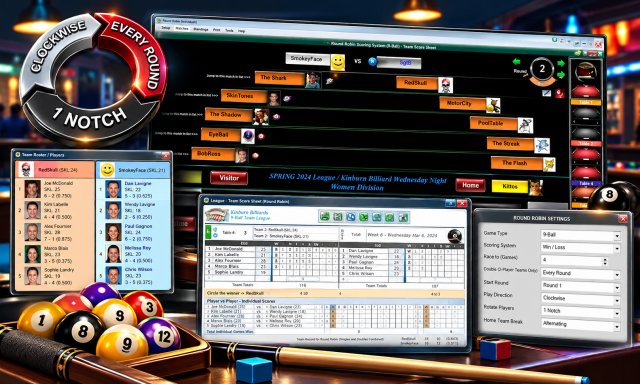
IngenPool offers an innovative way to manage Round Robin competitions. Intuitive, exciting, and accurate, it features live statistics displayed on screen and published online. Full flexibility allows you to easily adapt to last-minute roster changes and player substitutions. Whether you're managing a single table or 64 tables, hosting events in-house or on the road, or running competitions with up to 64 players or teams, IngenPool supports you every step of the way. Watch our Video "Round-Robin Format" for a quick tour.
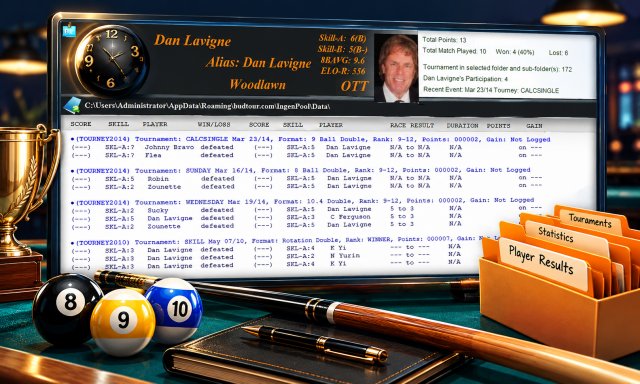
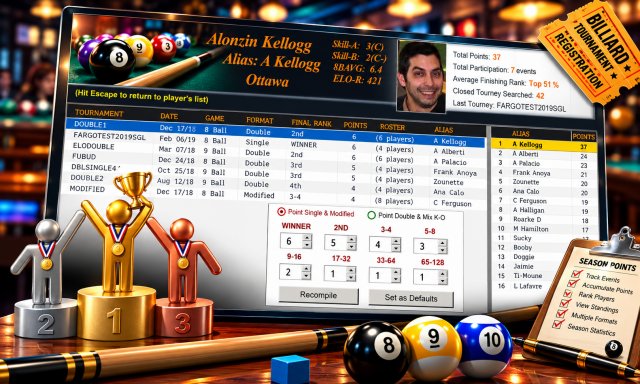
The Player History and Point Compiler provide a comprehensive record of all matches previously played, including opponent names, skill levels, final scores, points earned, prize money won, final standings, and more. Together, they are invaluable tools for tracking skill development and evaluating players during auctions. Data is compiled from selected tournament directories, which are categorized by season, year, division, and other relevant criteria by the tournament director.
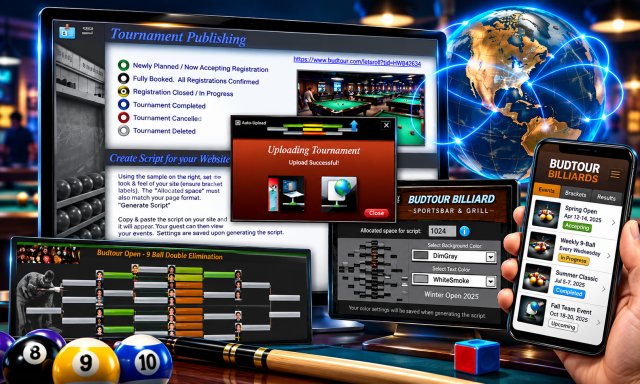
Publish your tournaments online, complete with brackets, player photos, and match results. IngenPool can be configured to automatically refresh web content whenever a change is recorded in the bracket. Tournament brackets are fully accessible on smartphones and tablets. Once a tournament is published online, a URL is displayed in the top-left corner of the bracket window and can easily be shared on social media.
Everything you need to manage a tournament is just a right-click away. Mistakes happen. You may declare the wrong winner, assign players to the wrong table, or enter incorrect scores. IngenPool is designed to make corrections quick and easy, allowing virtually any action to be undone or adjusted. You can even roll back an entire tournament to its starting point. Simply right-click any position on the bracket or any table to open the dynamic context menu.
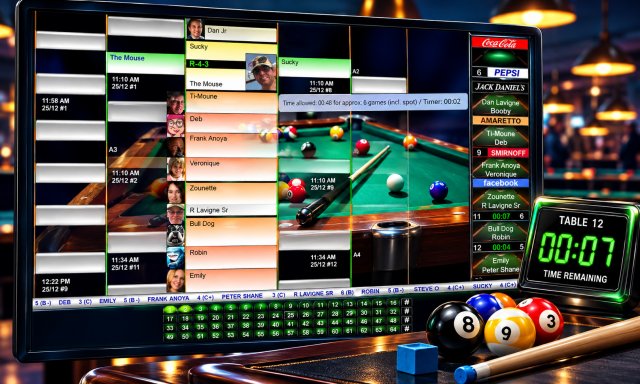
Up to 64 tables can be managed simultaneously, each equipped with a built-in timer. The timer turns yellow and sounds an alert when the estimated match time is exceeded, then automatically resets when the match is completed. A smart table-scrolling feature activates after 10 seconds of inactivity, when required based on table occupancy. Starting a match is as simple as dragging a match chalk icon onto a table. IngenPool also monitors table usage and alerts you when a player is assigned to the same table too frequently or in consecutive matches. When appropriate, alternative table assignments are suggested to help ensure fair table rotation.
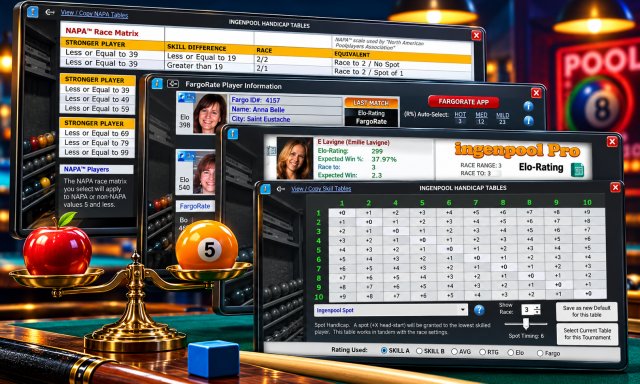
You can define default race lengths for every format and bracket size, then fine-tune them for individual tournaments. Handicap settings can automatically adjust race lengths based on each player's skill level. IngenPool offers 16 race options, including four preset systems, nine customizable formats, NAPA, ELO Equal Match, and FargoRate Fair Match. Tournament defaults can also be configured for every format. IngenPool uses these settings to prepare scorecards, calculate allotted table time, populate the Dispatch Window, and more.
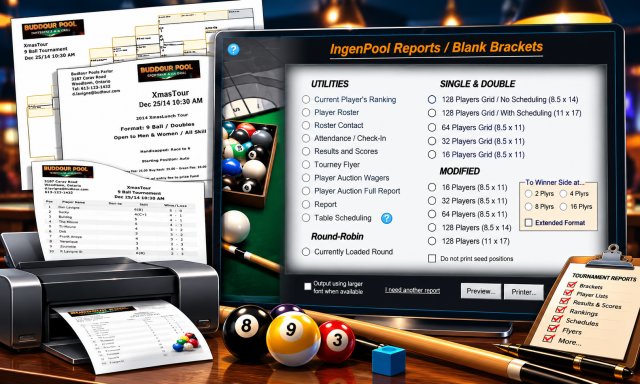
IngenPool offers a wide range of HTML exports and printed reports to support your events, including flyers, brackets, rankings, roster listings, and more. Most reports can be printed on standard 8.5" × 11" paper, with the exception of the 128-player bracket, which requires a minimum paper size of 8.5" × 14".
The built-in Calcutta Manager provides everything you need to run an auction efficiently. All players are automatically loaded into the Calcutta listing, and payouts are calculated in real time as the auction progresses. You can specify a percentage to be allocated to a beneficiary of your choice, record all bids and bidder information, and print detailed reports of all bidding activity and winnings.

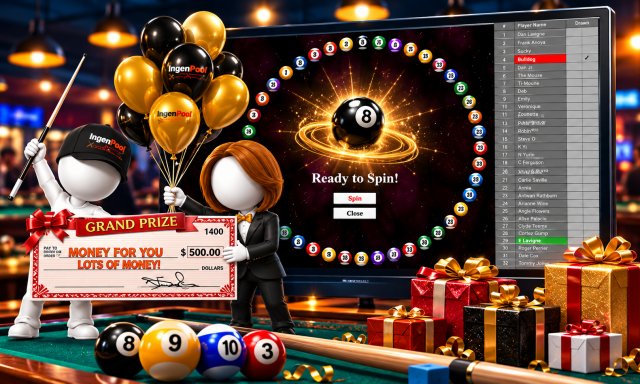
A door prize spinning wheel is automatically loaded with all registered players and remains available throughout the tournament. All winners are recorded within the tournament file. When a winner is selected, their name is automatically removed from the wheel for subsequent spins. If desired, you can reintroduce the player to the wheel at any time.
Banner rotation, scrolling messages, and our latest addition, Table Sponsorship, allow you to identify tables by name and sponsor color rather than by number. When a sponsor name is assigned to a table, the dispatch window, text messaging, scorecards, and other live tournament messages will refer to that table by its sponsor name. A selection of fonts and colors is available to match the sponsor's branding, colors, and logo as closely as possible.
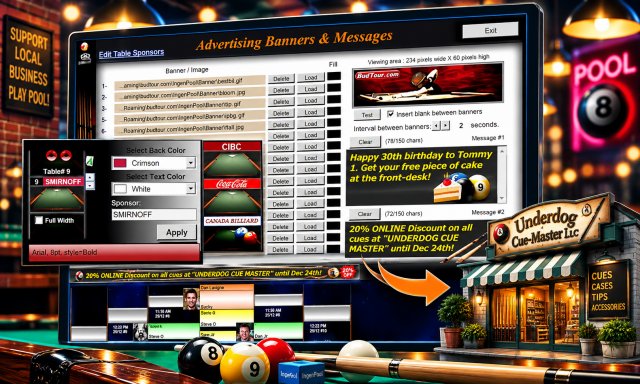

A dispatch window opens automatically when two players are assigned to a table. You can also open a dispatch window manually when needed. When a dispatch window appears on screen, an audible beep can be enabled to attract attention. Each dispatch window clearly displays both players' names, aliases, skill levels, and assigned table. Player photos are also displayed, and a dispatch text message can be sent directly to their mobile phone from the tournament bracket.
Track and compile season-long points standings with ease. Point values for each finishing position can be fully customized and compiled on the fly for HTML export. This feature is ideal for qualifying players for an end-of-season championship based on their performance throughout the regular season. A simple participation leaderboard can also be generated.
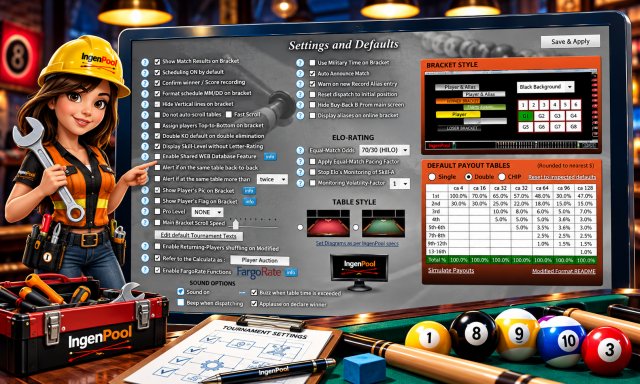
Customize IngenPool to match your management style with a wide range of configurable options. Set default payout tables for each tournament format, choose from a variety of bracket graphics and backgrounds, or personalize the experience with your own custom background image.
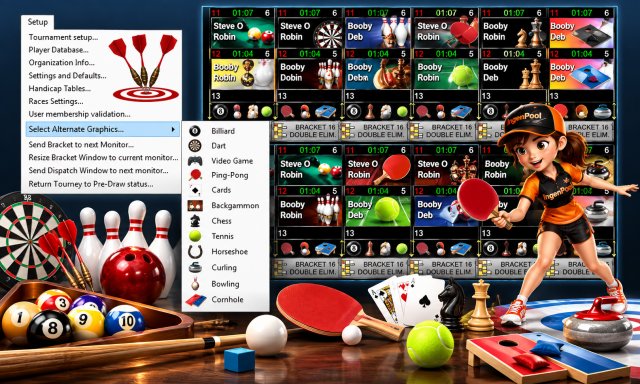
Due to its ease of use and versatility, IngenPool, while designed specifically for pool and billiard events, is widely used to manage a broad range of tournament formats. A selection of alternative graphic packages is available to help tailor the presentation to your event, ensuring a professional appearance, especially when brackets are displayed on HDTV screens.